





Updates in previous versions of SATlive 1.70
- Add: Global hide and show option for quick trace correlation graph
- Add: virtual Eq can be used on tracemanager master trace
- Add: copy to quick trace option for the tracemanager master trace
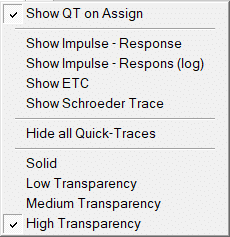
- Add: Global layout setting for the quick traces
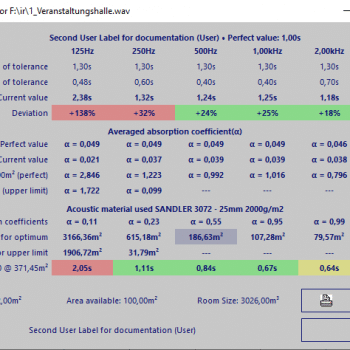
- Add: load/save/import for acoustic material data
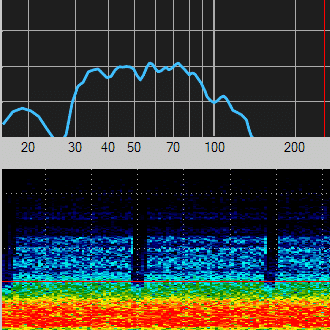
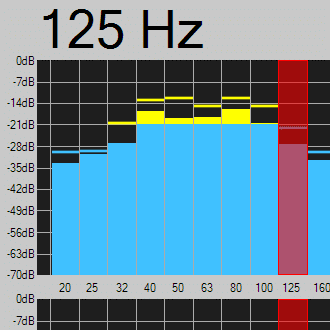
- RTA display improved
- Fixed: Perfomance issue with some ASIO drivers (Behringer UMC)
- Fixed: Peq values not shown in web interface
- Fixed: Time scale shifted in MAT-IR
- Fixed: Error in IR-FFT when using small FFT Sizes
- Fixed: Gain values for quick traces not stored in web interface
- Fixed: Quick traces will not show in FFT in web interface
- Fixed: Pop up menus not working in web interface
- Fixed: Strange pink and white noise after running a MLS measurement
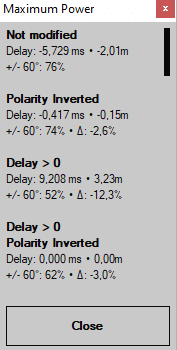
- Added: Maximum Value Trace, an envelope of the quick traces
- Fixed: Option Show-Q will freeze web interface
- Fixed: Latched cursor will not keep position in room-ir
- Added: Solo mode for Quick-trace (MAT-Transfer only)
- Fixed: Frequency scales shifted to the left
- Fixed: Latched cursor lost in room-Ir
- Fixed: wav-player not working correctly
- CSV import improved
- Coherence now supported on CSV import
- Fix: Applying the virtual eq to an empty main trace will create a division by zero error
- Fix: Upper part of trace display flickers when you’ll edit the virtual eq
- Fix: Wrong font color in wav file player setup window
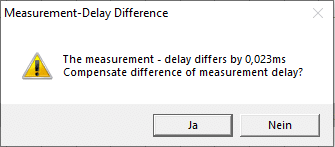
- New: You can compensate different delay settings used for measurement
- Layout of virtual time shift window modified
- Fix: Error message when selection averages ADD in MAT – Transfer
- Fix: Possible invalid averages setting when using the arrows to adjust
-
New: Input monitoring
-
New: Save and apply compensation for complex compensation
-
New: Original phase value of quick trace will show when you compensate for different measurement delays in live add trace
-
New: Direct Ref added to windows-wave and direct sound audio
-
New: Selected i/o devices shown in setup → I/O devices
-
New: Increase / decrease display range buttons will show when you move the mouse over the left scale area
- Fixed: Crash when repeating delay-suggestion tool
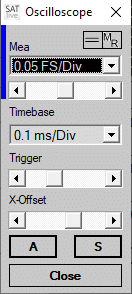
- Add: Cursor read out in oscilloscope.
- Add: Numerical peak value display.
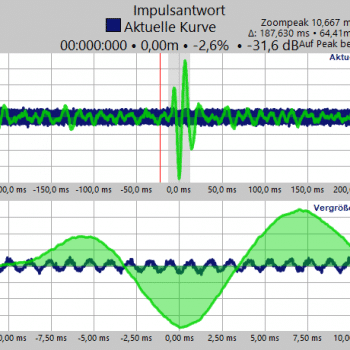
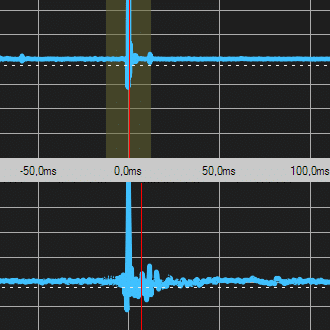
- Add: Trigger visualization in MAT – IR.
- Add: Trigger off option in MAT – IR.
- Fixed: Sweep signal not starting.
- Fixed: Possible crash in MAT – IR with digital zero input.
- Fixed: DirectSound audio choppy.
- Delay compensation not working correctly.
- Fixed: Smoothing affected by the frequency range selected.
- Fixed: Crash when starting a Sweep measurement in the IR module with voice filter enabled.
- Fixed: Menu entries not working in IR -> Room Acoustic window.
- Modified: Delay-Compensation modifies phase response graph of the basic trace.
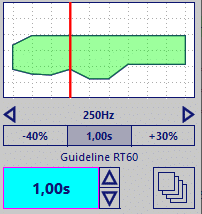
- Added: Range of Tolerances.
- Added: Quality Check.
- Fixed: File – Type linking in windows.
- Fixed: Lock up during first start.
- Added the transfer with virtual EQ applied file format.
- Added Suggest file name feature to Setup → Postprocess.
- Project Management now available in IR module.
- Phase compensation available for both smooth FFT and normal FFT in FFT module.
- Fixed: Project configuration creates empty folders.
- Some internal modifications.
- Added Trigger to IR (MAT-Module).
- Added support for 88.2kSamples/s, 96kSamples/s, 176.4kSamples/s and 192kSamples/s to ASIO I/O.
- Removed time-limit of the wav-file player.
- Added octave-band filters to IR-Module.
- Added: Threshold for amplitude difference in Delay-Suggestion-Tool.
- Added: Visualization of frequency – range used during calculation of delay – suggestion.
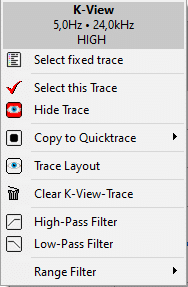
- New: K-View using two impulse-responses.
- Added K-View (cross-correlation based delay calculation).